Dynamic Collection-Based Navigation
Zero-config navigation that auto-populates the navbar from Jekyll collections when no _data/navigation entry exists, so brand-new sites get a usable menu.
Table of Contents
Dynamic Collection-Based Navigation
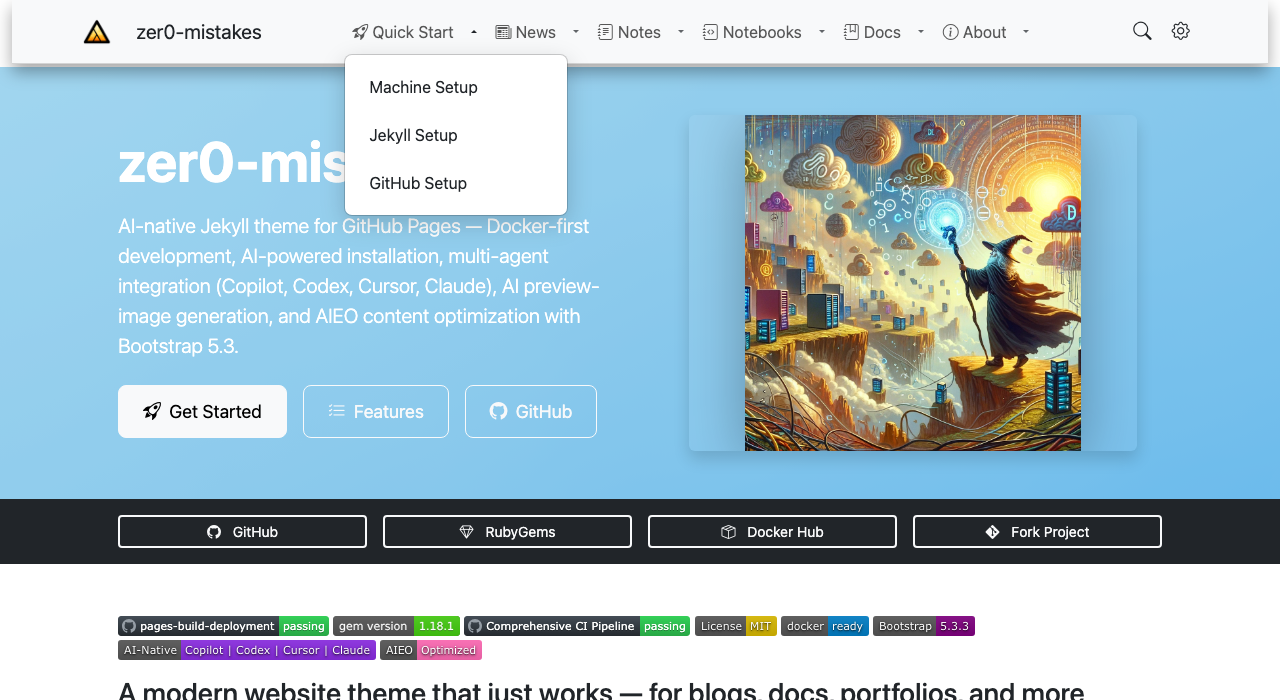
zer0-mistakes ships a zero-config navigation fallback: when no custom _data/navigation.yml entry exists for the navbar, the theme auto-discovers your Jekyll collections and generates a working nav menu on first launch.
Why It Exists
New sites have no navigation data yet. Without this fallback, visitors would see a blank navbar. The dynamic fallback generates useful links automatically so every new site starts with a navigable structure.
How It Works
graph TD
    A[Page render] --> B{navigation.yml entry?}
    B -- Yes --> C[Render static nav from data file]
    B -- No --> D[menu-collections.html fallback]
    D --> E[Iterate site.collections]
    E --> F[Skip hidden/system collections]
    F --> G[Render collection links]
Key Includes
| File | Role |
|---|---|
_includes/navigation/navbar.html |
Main navbar — checks for data, falls back to collections |
_includes/navigation/menu-collections.html |
Renders one link per collection |
Navbar Logic (simplified)
{% if site.data.navigation.main %}
  {% include navigation/nav_list.html nav=site.data.navigation.main %}
{% else %}
  {% include navigation/menu-collections.html %}
{% endif %}
Configuring Static Navigation
Once you’re ready to lock down the menu, create _data/navigation.yml:
main:
  - title: "Home"
    url: "/"
  - title: "Docs"
    url: "/docs/"
  - title: "Posts"
    url: "/posts/"
The fallback is silently disabled as soon as this file is present.
Excluding Collections from the Fallback
Collections prefixed with _ in the site config can be hidden by setting output: false or by adding them to the exclusion list inside menu-collections.html:
{% unless collection.label == "notes" or collection.label == "quickstart" %}
  ...
{% endunless %}
Sidebar Navigation
The sidebar uses a separate _data/navigation.yml key (docs, sidebar, etc.) and is unaffected by the dynamic fallback. See the Sidebar Navigation guide for details.
Related
See also
- [[Features]]
- [[Navigation]]