Smart 404 & Site Configuration Detection
How the zer0-mistakes 404 page auto-detects whether the site is a fork, remote-theme consumer, or full clone and guides visitors back to a working entry point.
Table of Contents
Smart 404 & Site Configuration Detection
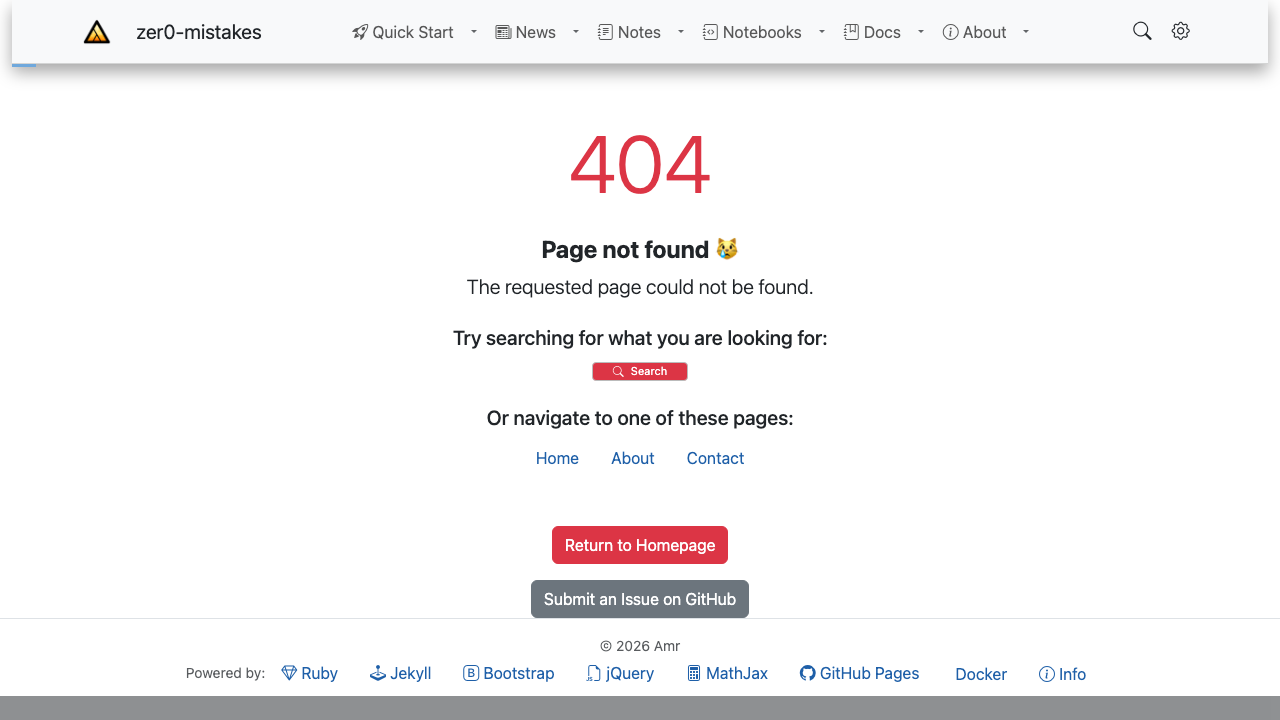
The zer0-mistakes 404.html is not a plain “page not found” placeholder. It detects how the site is deployed and offers context-aware guidance to the visitor.
Detection Logic
graph TD
    A[404.html Loads] --> B{site.remote_theme set?}
    B -- Yes --> C[Remote-theme consumer]
    B -- No --> D{site.theme set?}
    D -- Yes --> E[Gem-theme consumer]
    D -- No --> F[Full clone / fork]
    C & E & F --> G[Render matching help block]
The Liquid template inspects site.remote_theme, site.theme, and a small set of site.github.* variables that GitHub Pages injects at build time.
Implementation
The smart 404 lives in the repository root:
404.html
Key Liquid variables used:
| Variable | Purpose |
|---|---|
site.remote_theme |
Detect remote-theme mode |
site.theme |
Detect gem-theme mode |
site.github.owner_name |
Link back to the correct GitHub profile |
site.url / site.baseurl |
Build absolute links to the home page |
What Visitors See
Remote-theme consumer
🔍 Page Not Found
This page doesn't exist on this site.
→ Return to home  → View the theme source on GitHub
Full clone / fork
🔍 Page Not Found
It looks like this page was removed or the URL changed.
→ Return to home  → Browse the docs
Customizing the 404
Override just this file in your site repo:
your-site/
└── 404.html   ← Your custom version takes precedence
The theme’s 404.html is only used when no local override exists.
Related
See also
- [[Features]]
- [[Getting Started]]