Code Copy Button
One-click copy functionality for code blocks with visual feedback and clipboard API integration.
Table of Contents
Code Copy Button
Automatic copy buttons on all code blocks for easy clipboard copying.
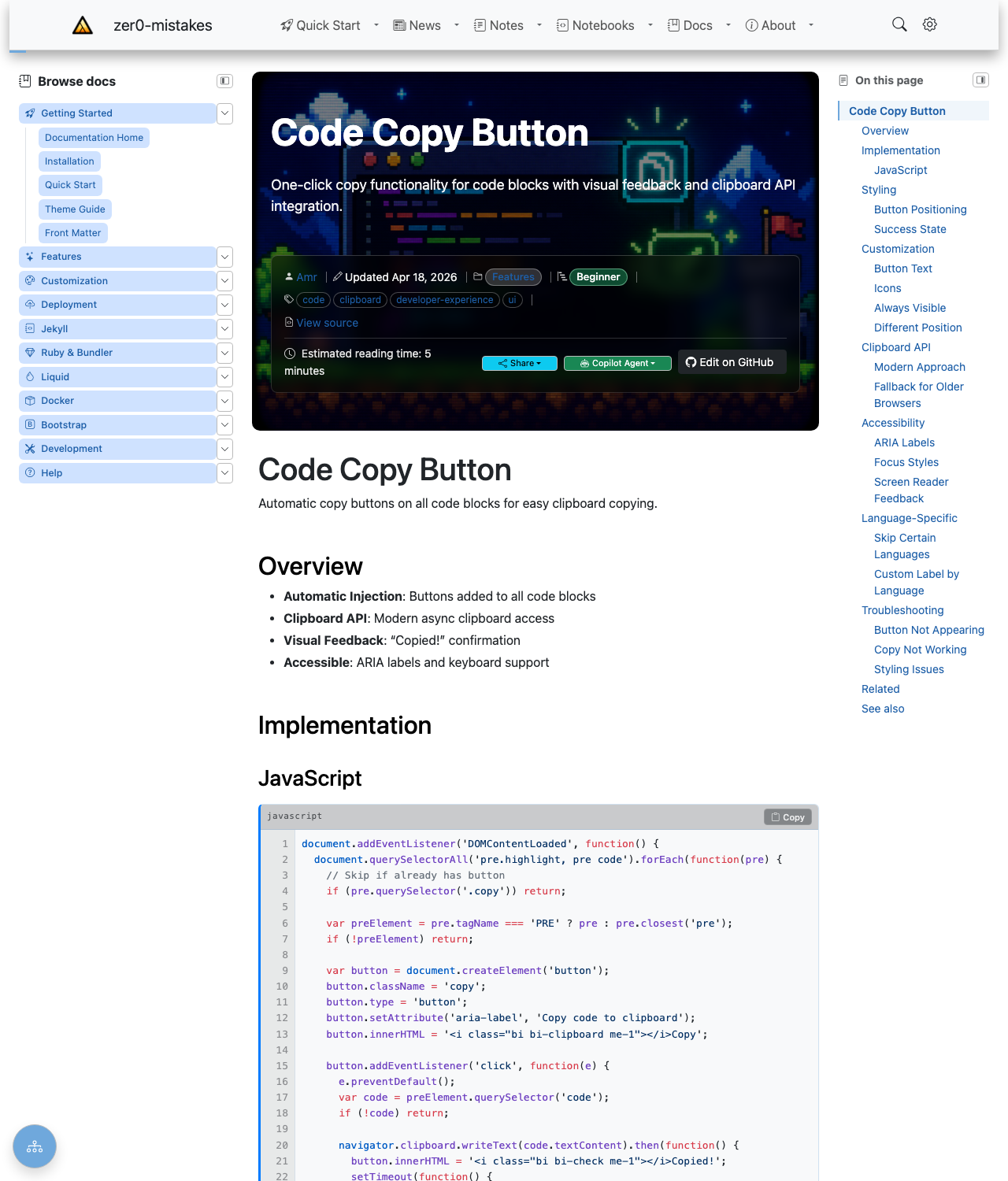
The button is injected automatically into every fenced code block — there’s no front matter to set and nothing to import. Hover a block and click Copy to put its contents on the clipboard, with a brief “Copied!” confirmation.
Overview
- Automatic Injection: Buttons added to all code blocks
- Clipboard API: Modern async clipboard access
- Visual Feedback: “Copied!” confirmation
- Accessible: ARIA labels and keyboard support
Implementation
JavaScript
document.addEventListener('DOMContentLoaded', function() {
  document.querySelectorAll('pre.highlight, pre code').forEach(function(pre) {
    // Skip if already has button
    if (pre.querySelector('.copy')) return;

    var preElement = pre.tagName === 'PRE' ? pre : pre.closest('pre');
    if (!preElement) return;

    var button = document.createElement('button');
    button.className = 'copy';
    button.type = 'button';
    button.setAttribute('aria-label', 'Copy code to clipboard');
    button.innerHTML = '<i class="bi bi-clipboard me-1"></i>Copy';

    button.addEventListener('click', function(e) {
      e.preventDefault();
      var code = preElement.querySelector('code');
      if (!code) return;

      navigator.clipboard.writeText(code.textContent).then(function() {
        button.innerHTML = '<i class="bi bi-check me-1"></i>Copied!';
        setTimeout(function() {
          button.innerHTML = '<i class="bi bi-clipboard me-1"></i>Copy';
        }, 2000);
      });
    });

    preElement.appendChild(button);
  });
});
Styling
Button Positioning
pre.highlight {
  position: relative;
}

pre .copy {
  position: absolute;
  top: 0.5rem;
  right: 0.5rem;
  padding: 0.25rem 0.5rem;
  font-size: 0.75rem;
  background: var(--bs-secondary);
  color: white;
  border: none;
  border-radius: var(--bs-border-radius);
  opacity: 0;
  transition: opacity 0.2s;
}

pre:hover .copy {
  opacity: 1;
}

pre .copy:hover {
  background: var(--bs-primary);
}
Success State
pre .copy.copied {
  background: var(--bs-success);
}
Customization
Button Text
var copyText = 'Copy';
var copiedText = 'Copied!';
Icons
// Bootstrap Icons
button.innerHTML = '<i class="bi bi-clipboard"></i>';

// Text only
button.textContent = 'Copy';

// SVG icon
button.innerHTML = '<svg>...</svg>';
Always Visible
pre .copy {
  opacity: 1;
}
Different Position
/* Bottom right */
pre .copy {
  top: auto;
  bottom: 0.5rem;
}

/* Top left */
pre .copy {
  right: auto;
  left: 0.5rem;
}
Clipboard API
Modern Approach
navigator.clipboard.writeText(text)
  .then(() => console.log('Copied!'))
  .catch(err => console.error('Failed to copy:', err));
Fallback for Older Browsers
function copyToClipboard(text) {
  if (navigator.clipboard) {
    return navigator.clipboard.writeText(text);
  }

  // Fallback
  var textarea = document.createElement('textarea');
  textarea.value = text;
  textarea.style.position = 'fixed';
  document.body.appendChild(textarea);
  textarea.select();
  document.execCommand('copy');
  document.body.removeChild(textarea);
  return Promise.resolve();
}
Accessibility
ARIA Labels
<button aria-label="Copy code to clipboard"
        title="Copy code to clipboard">
  Copy
</button>
Focus Styles
pre .copy:focus {
  outline: 2px solid var(--bs-primary);
  outline-offset: 2px;
}

pre .copy:focus-visible {
  opacity: 1;
}
Screen Reader Feedback
// Announce copy success
button.setAttribute('aria-label', 'Copied to clipboard');
setTimeout(() => {
  button.setAttribute('aria-label', 'Copy code to clipboard');
}, 2000);
Language-Specific
Skip Certain Languages
// Don't add to terminal output
if (pre.classList.contains('language-output')) return;
if (pre.classList.contains('language-console')) return;
Custom Label by Language
var lang = pre.className.match(/language-(\w+)/);
if (lang) {
  button.setAttribute('aria-label', `Copy ${lang[1]} code`);
}
Troubleshooting
Button Not Appearing
- Check code block has
pre.highlightorpre code - Verify JavaScript is loaded
- Check CSS isn’t hiding button
- Inspect for duplicate buttons
Copy Not Working
- Check browser clipboard permissions
- Verify HTTPS (required for Clipboard API)
- Test fallback method
- Check for JavaScript errors
Styling Issues
- Verify
position: relativeon pre - Check z-index conflicts
- Test hover states
- Verify button is inside pre
Related
See also
- [[Features]]
- [[Code Highlighting]]